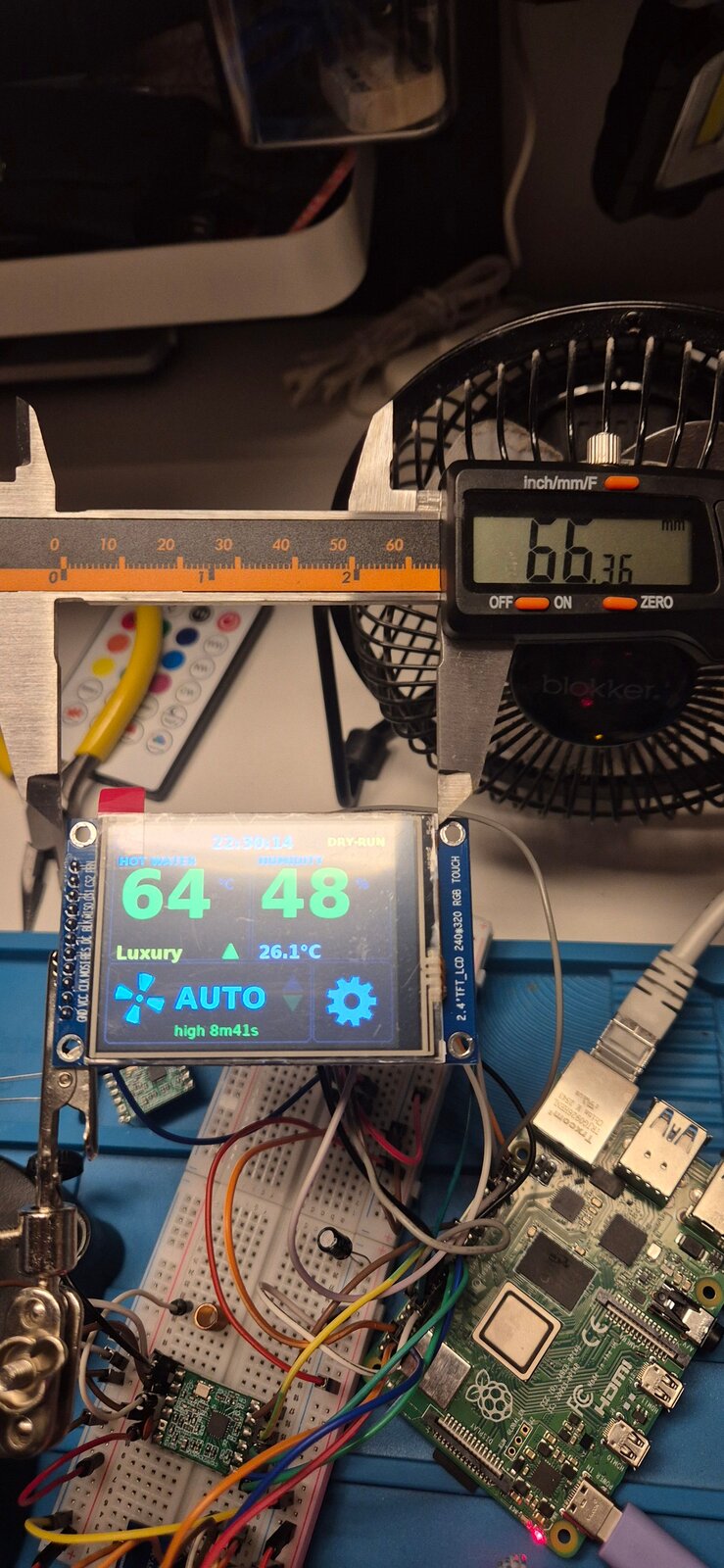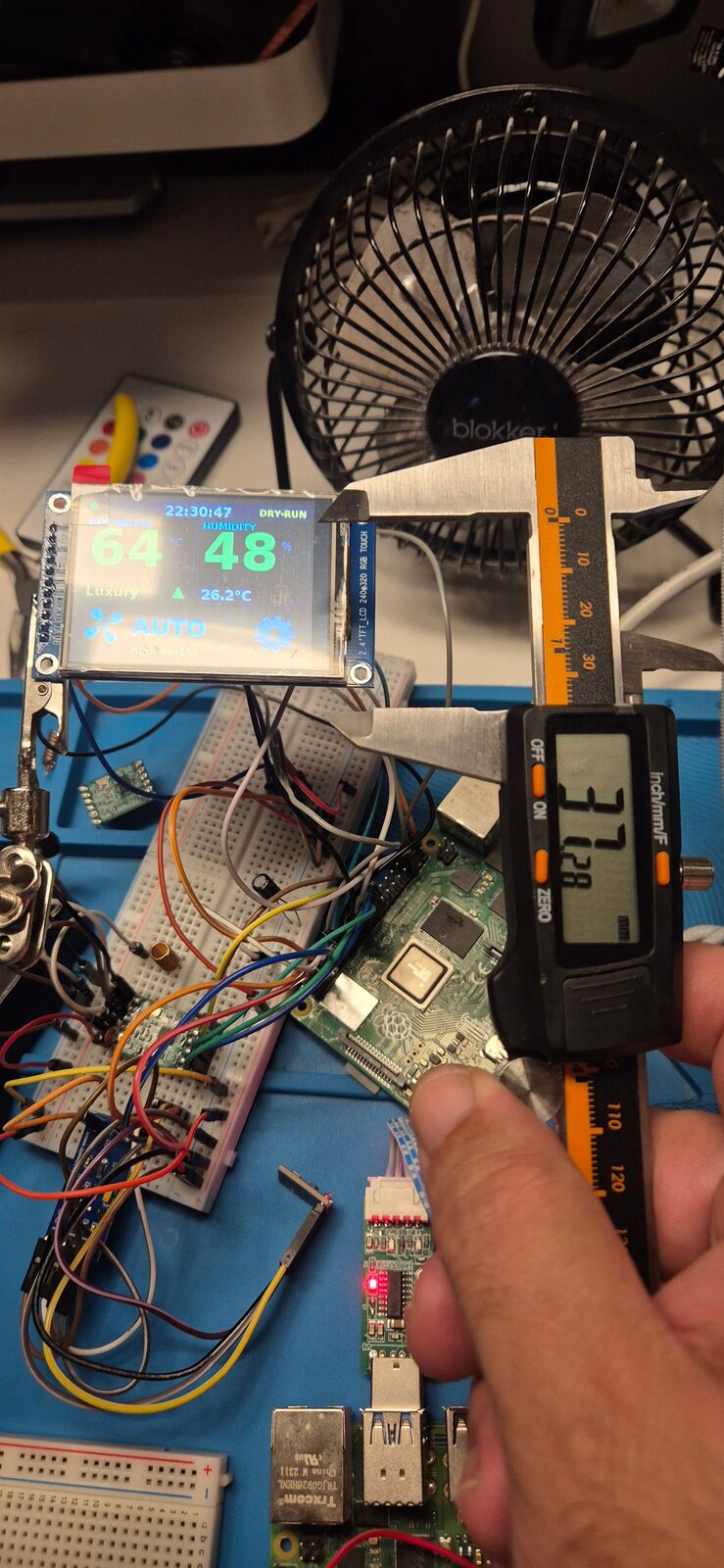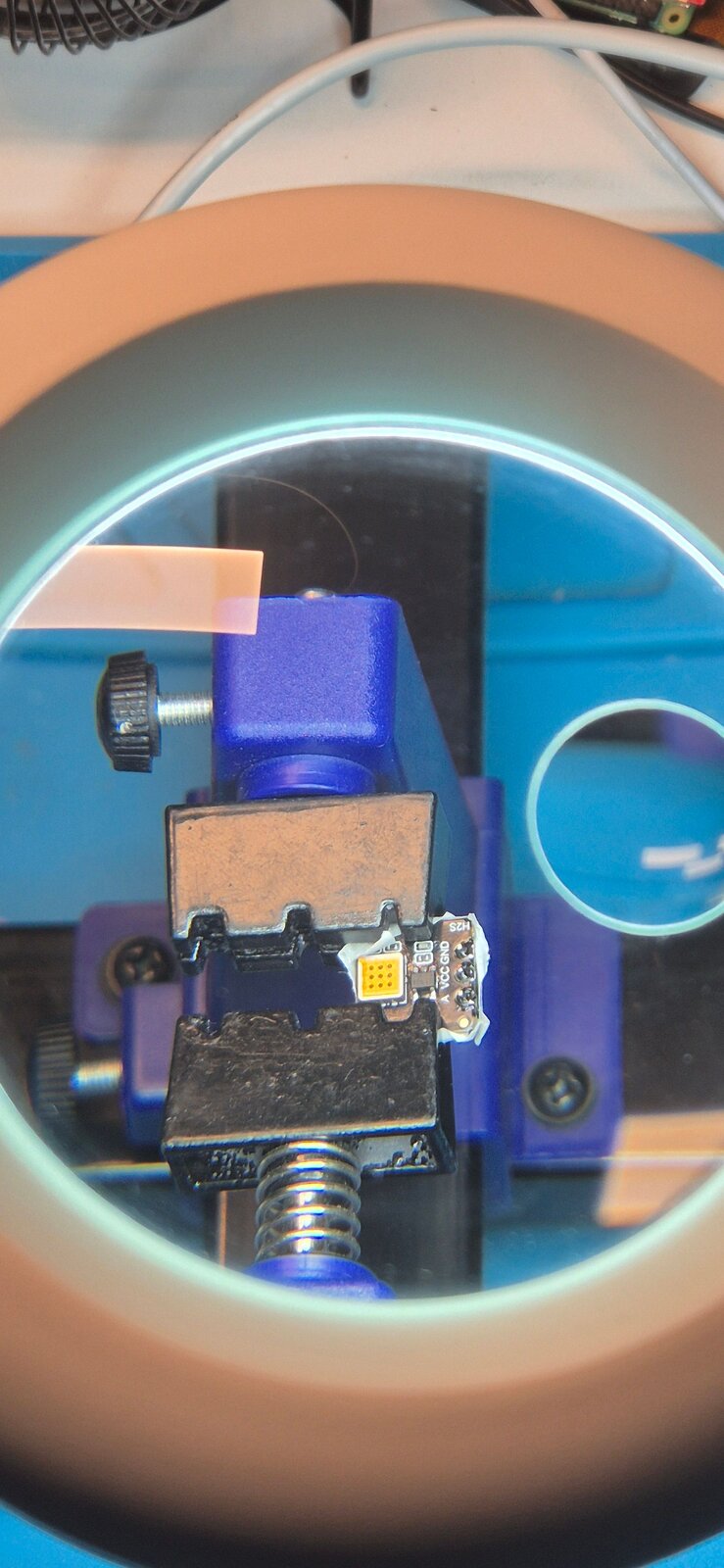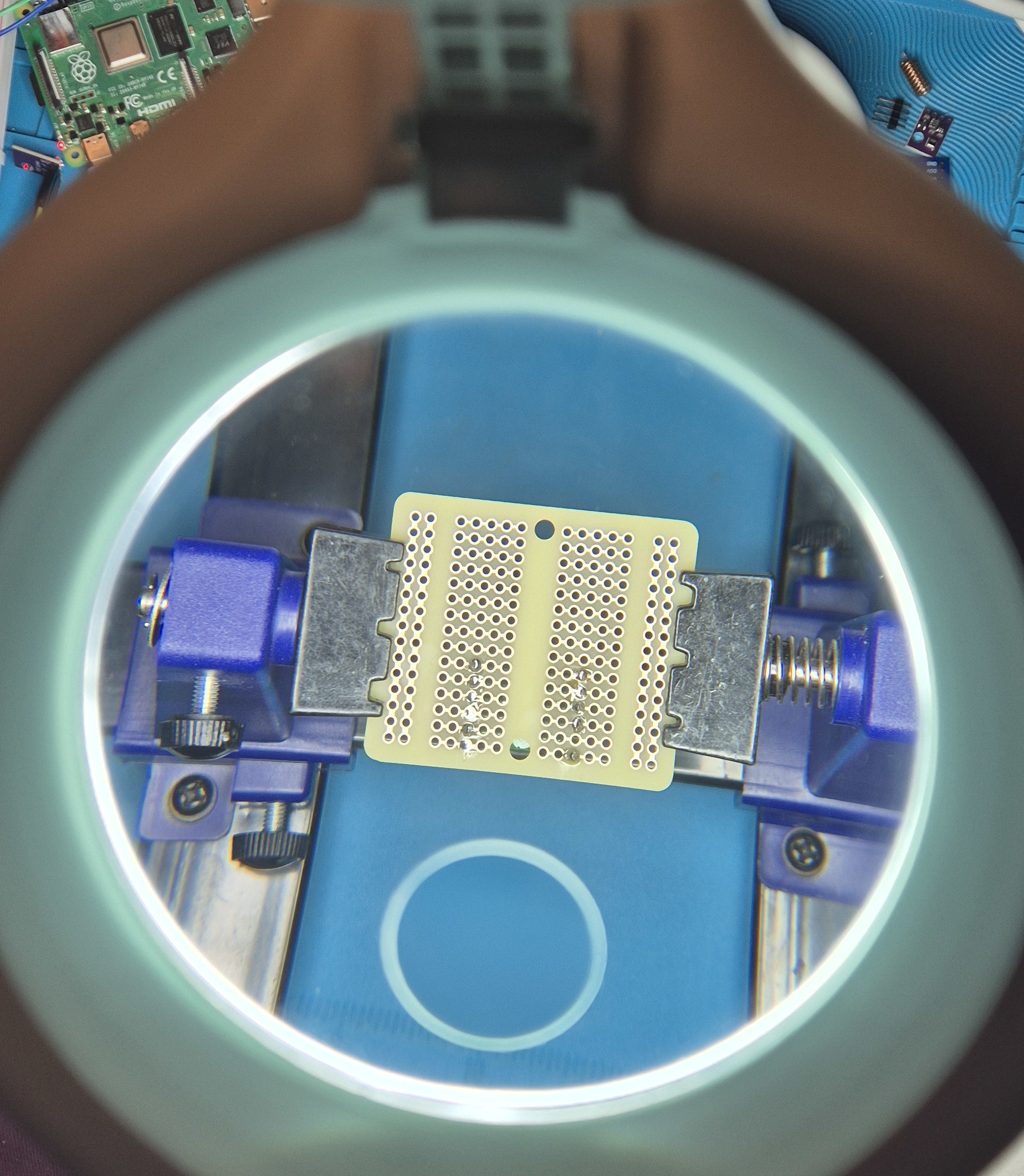

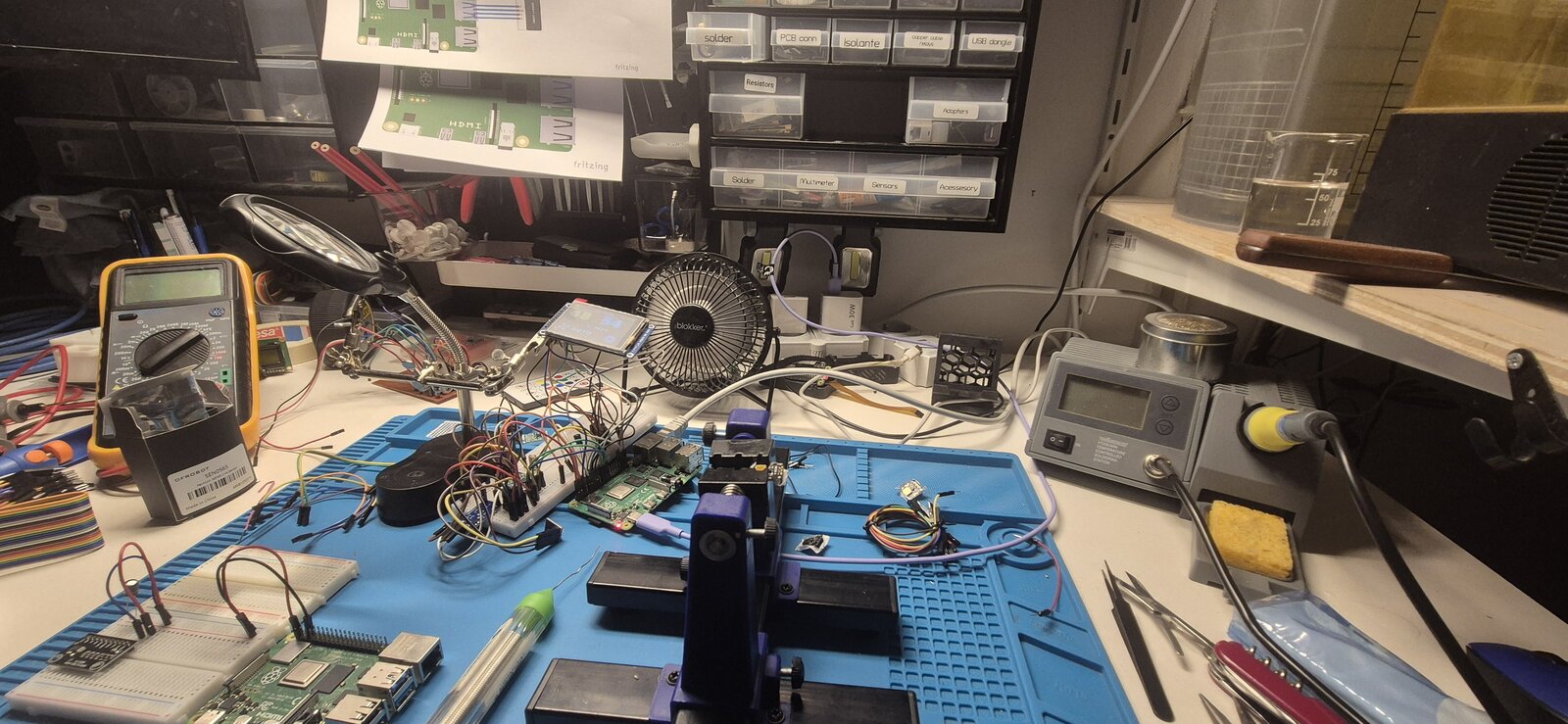
Part 2 ended with a controller that works: a Raspberry Pi that hears the bathroom getting humid and turns on the DucoBox over 868 MHz. This part is about everything that makes it pleasant to live with — a bigger panel you can read through steam, touch controls, a backlight that follows the room, and a case.
Source code: git.spectronet.org/public-access/ducobox-cc1101 · Case: Thingiverse
Four panels later
The display went through four generations, each fixing what the previous one taught:
| panel | size | what it taught |
|---|---|---|
| Joy-IT SBC-LCD02 (ST7735R) | 128×128 | it works — and nobody can read it from the door |
| Joy-IT RB-TFT1.8 (ST7735) | 160×128 | more room, but no backlight control at all |
| 2.0" IPS (ST7789V2) | 240×320 | finally big enough to rethink the layout |
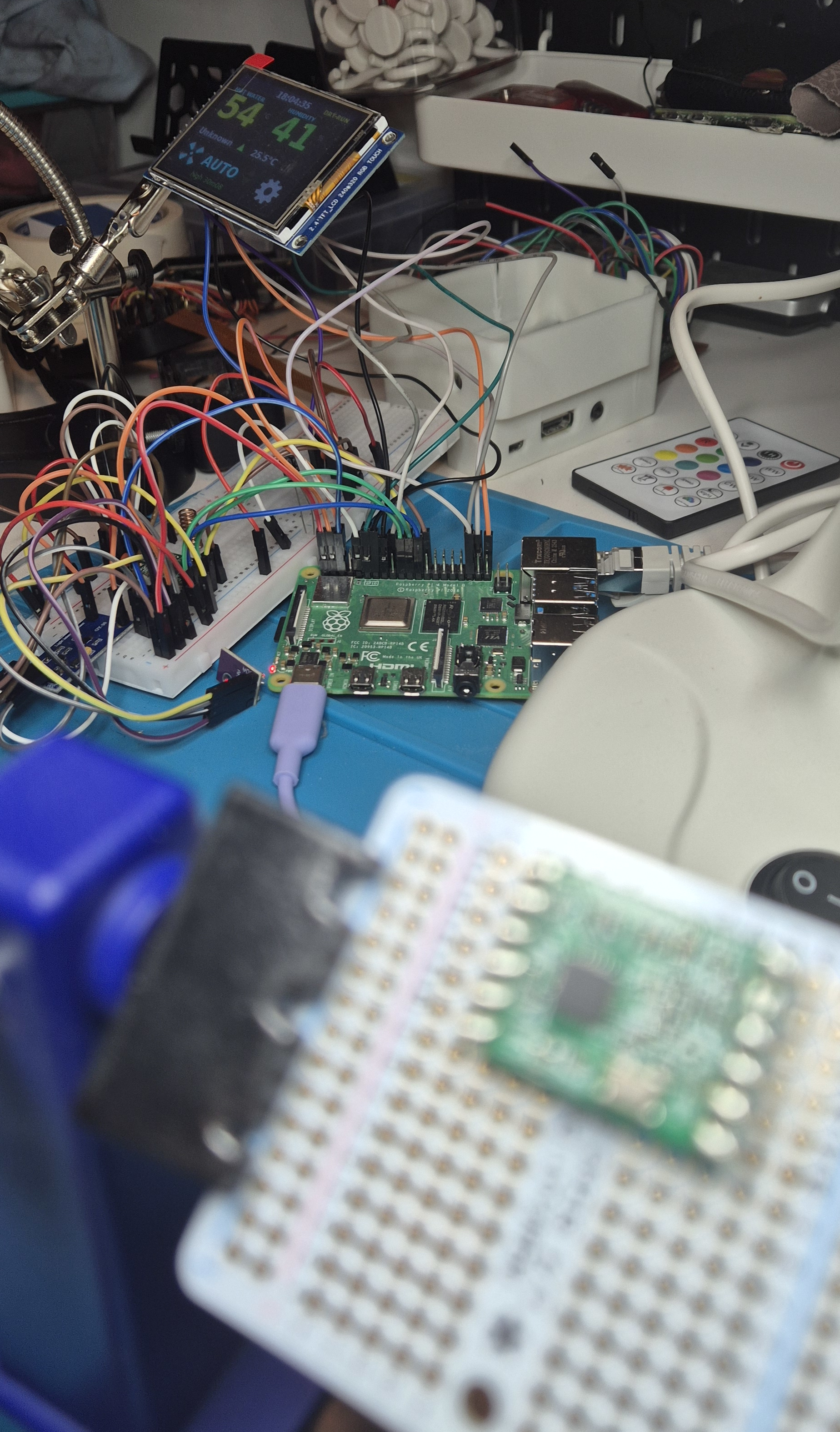
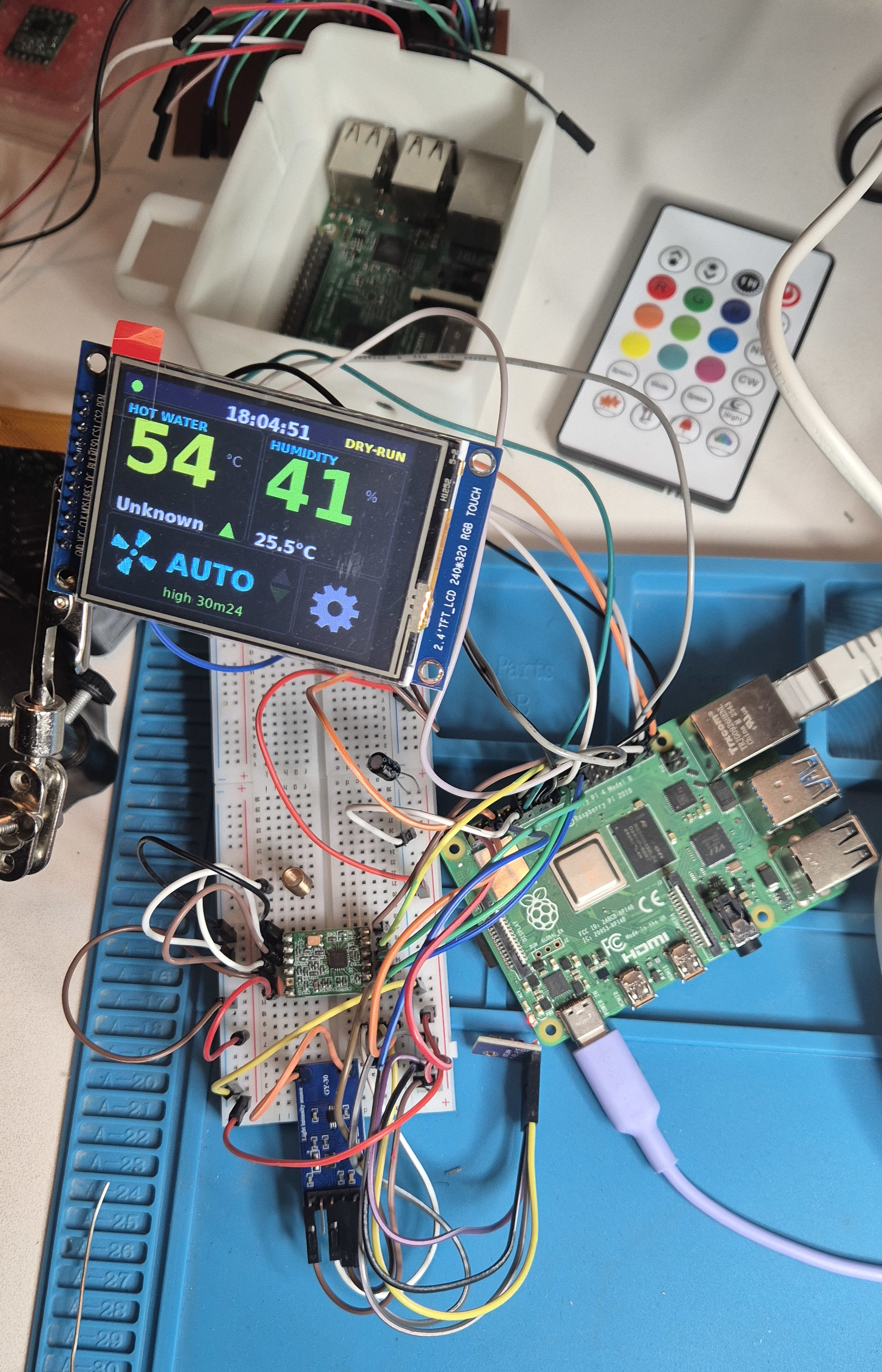
| 2.4" ILI9341 + XPT2046 | 240×320, resistive touch | the latest — on the bench, heading for the wall |
Designed to be read through steam
Fitting the bigger panel turned my first layout into the wrong one. The panel lives on the wall outside the shower and gets read from the doorway, through steam. So the question is not how much fits on it, but how little has to:
- hot water and humidity side by side, as two giant numbers — the only two things you want to know before getting in;
- the fan and its mode across the middle;
- nothing fixed smaller than 13 px — what used to be small text became symbols: the trend is an arrow, dry-run is a badge, and a sample's age only appears once it is stale.
The two numbers share one font size on purpose. Autofitting them separately made the wider one bigger, which read as a hierarchy that was not intended.
10 frames per second on a hobby library
The Python luma driver for this controller was written for a 240×240 panel, and its initialisation sets the panel's addressing mode (MADCTL) for that square screen. On a 240×320 it wrote every line across the short axis: the image landed sideways, and about 80 rows were never touched, kept their power-on noise, and flickered. One register value (0x60) later, the panel was the 320×240 landscape the layout draws.
Speed was the other problem. The library sends the whole frame every time — 230 400 bytes, 58 ms of SPI — which capped the screen at about 4 fps. Frames are now diffed and only the changed rectangle is sent; a clock tick and the fan icon are under 3 % of the panel. 10 fps, at a 48 MHz SPI clock.
Is the radio alive?
A silent radio looks exactly like a quiet house — right up until the day it costs you hours of ventilation with every other metric reporting healthy. So the ventilation row has two small arrows: up when we transmit, down when we hear the network. Green means just now, dark green means quiet, red means nothing for fifteen minutes.
A backlight that follows the room
The first "brightness" option was a lie: it mapped to on or off. Real dimming needed software PWM on the backlight pin (the controller's own brightness registers do nothing on these modules — the LED driver is not wired to them), measured working from full down to 3 %.
Then came a night window — dim between 23:00 and 06:30 — and I reverted it the next day. A clock cannot tell a lit bathroom at 23:30 from a dark one at 21:00, and the case that actually matters, walking in at night without switching on the light, is exactly the one a schedule gets wrong: full glare at 21:00, unreadable at 23:30 with the lights on.
So the brightness now comes from the room itself, via a BH1750 light sensor:
- it shares the I²C bus and the four wires already going to the humidity sensor — no new cable, no extra GPIO;
- the mapping is logarithmic, because perception is: 10 → 100 lux should feel like 100 → 1000;
- it is smoothed over about ten seconds, so a towel or someone walking past does not pump the backlight;
- it never goes fully dark. A dark panel and a crashed one look identical, and telling those apart is the whole job of the little blinking dot in the corner.
Touch
The 2.4" panel is really two devices behind one header: an ILI9341 display and an XPT2046 resistive touch controller, sharing the SPI clock and data lines.
My first touch code had the press logic upside down. The XPT2046 reports pressure as a resistance between the two layers — pressing harder squashes them together and the number falls. I wrote "pressed if the number is large", and large is exactly what an untouched panel produces. Every button held down, permanently, on a panel whose buttons turn on the ventilation. It survived review because the arithmetic looked plausible and nothing in the simulator has a touch controller to contradict it. Measured on the real panel, the fixed version reads 120 of 120 idle samples as idle, where the old one called all 120 a press. (The same threshold is also the splash filter: a drip bridges the layers weakly and reads high, a thumb reads low.)
The first layout was guesswork, too: a back button nobody could find, hit areas with no outline, and a settings screen with no way out. Now every target is a drawn, bounded region, and every screen carries the same navigation in the same place. On a panel read at a glance in a steamy room, the only thing worse than a small target is a target that moves.
The same frame is also served over HTTP: a page in the browser shows exactly what is on the wall, with the ventilation and hot-water controls. One renderer, two windows onto it — and the API tokens stay inside the panel process, never in the browser.
The case
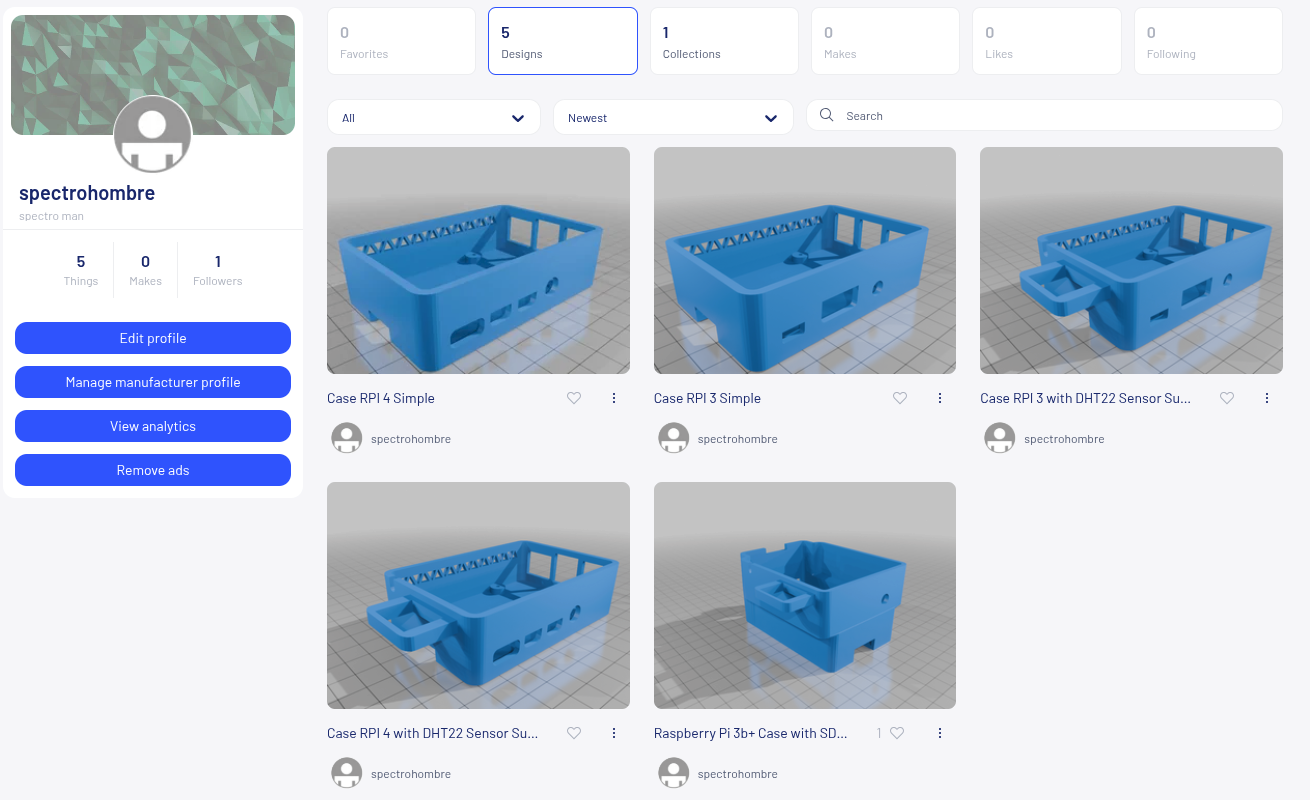
The enclosure is parametric — the Pi's hole pattern, the panel dimensions and the wall thicknesses are named constants, so a different panel is a change of numbers, not a redesign. Which turned out to matter, because the panel changed under it.
The design decision that matters most is not the geometry: the humidity sensor must not share air with the Pi. Ventilation fires on a rise of 3 points in 5 minutes, and a sensor inside a box with a 50 °C processor sees a damped, delayed curve. A shower that would trip +3 %/5 min arrives as +1.5 % over ten minutes and never fires — with every metric healthy and nothing in the log to look at.
So the sensor (and the light sensor with it) lives in its own small pod on a short lead, the antenna gets an exit away from the ground plane, and the Pi gets vents at board level and under the floor.
The case will be on my Thingiverse page once I have adjusted it for the new panel's size.
What is left
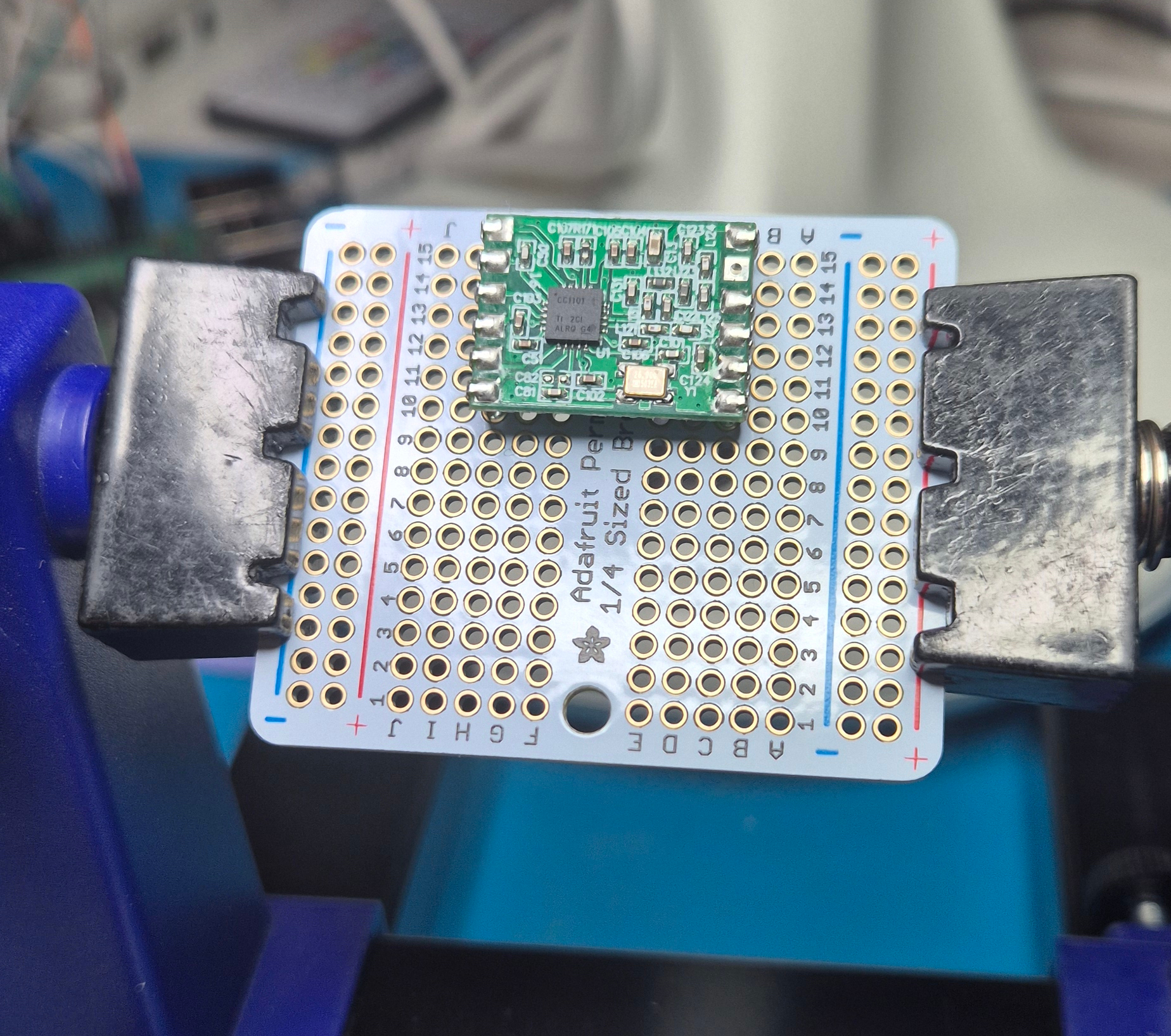
the final soldered board for the touch panel and the sensor pod;
printing the adjusted case;
photos of both, when they exist.